
***Now available for Vtiger 7.X
How it Works
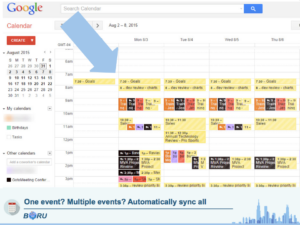
Seamlessly sync events between Vtiger, Google, and your phone with Boru’s Vtiger Google Calendar Sync.
When an event in Vtiger is created or edited, it is immediately sent to your Google Calendar where it can sync with your mobile devices. Since this is a 2-way sync, it can work in the reverse direction as well. In addition Vtiger will periodically check Google for any events created or edited since the last sync.
The frequency that Google is checked can be controlled by the administrator. The recommended interval is 10 minutes.
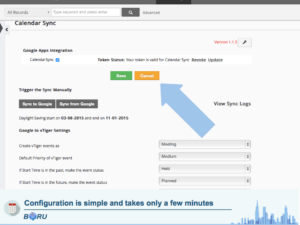
Configure
In Vtiger each user can set how his/her incoming events are created. For every event, you can choose a priority level, event type, and more.
Secure
Boru uses Google’s AuthSub to access your Google Calendar data. By using AuthSub, users never have to give their password to anyone but Google.
When a user enables Google-Vtiger Calendar sync, they are taken to a standard Google login page. After signing into their account, they are asked to grant vTiger access to their calendar. Once the user has granted access, Vtiger is given an encrypted code that can be used to access only the calendar data.
| User Licenses | Single User License, 5 User License, 10 User License, 20 User License, Unlimited User License |
|---|